
Description
Simplify login and registration with Google, Facebook, LinkedIn, Office 365, GitHub, Discord, Apple & more
This module allows your potential customers to register at your Perfex CRM Customers Area and/or log in through their social and work accounts—no extra passwords to remember.
Upon a successful sign-in, the corresponding details (Name, Surname, Email address) are added to Perfex’s customers database and a Contact is created under a respective Customer. One account per customer: match by email, seamless experience.
Supported sign-in providers
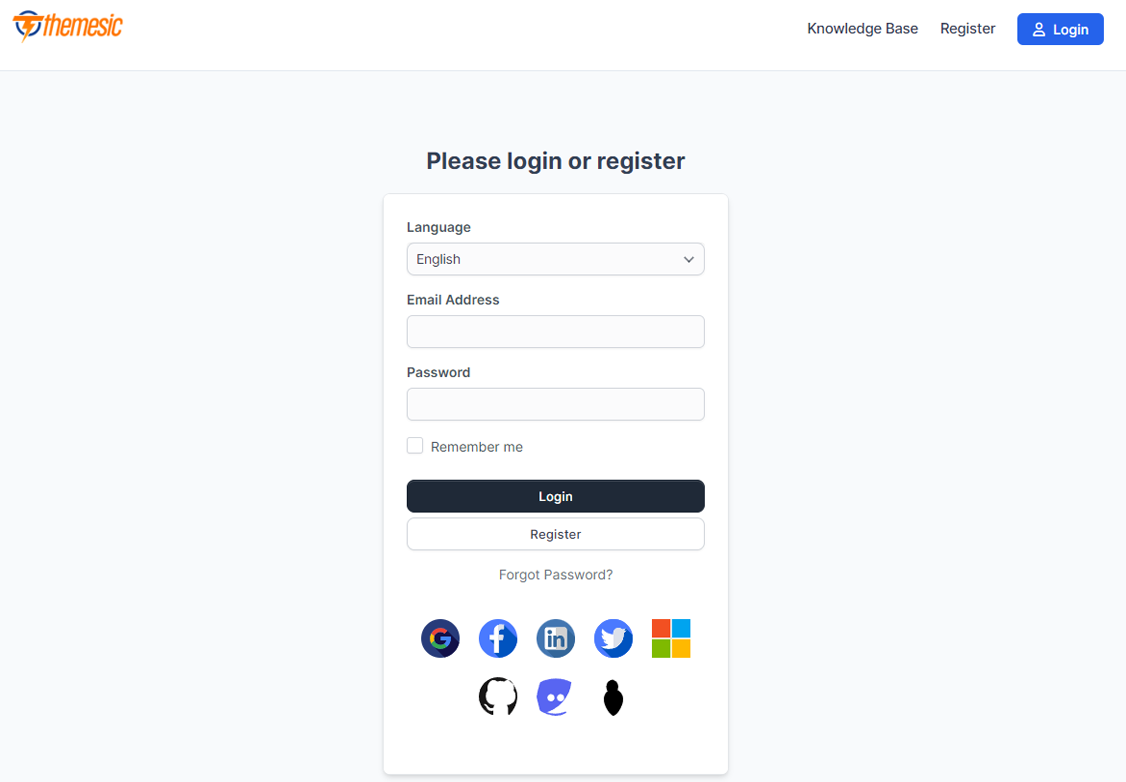
- Google — Personal and Workspace accounts
- Facebook — Social login
- LinkedIn — Professional network
- Twitter (X) — Social login
- Office 365 / Microsoft — Work or school and personal Microsoft accounts (Azure AD)
- GitHub — Ideal for developer-focused portals
- Discord — Community and gaming audiences
- Sign in with Apple — Native Apple ID support
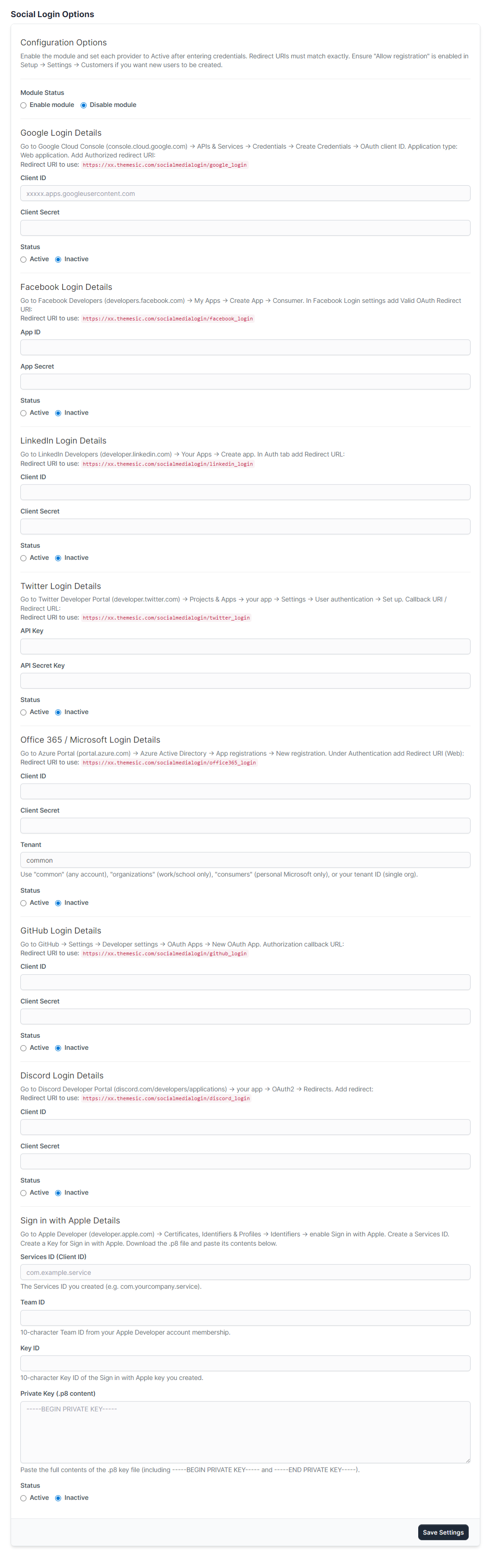
As an admin, you can enable or disable each provider from the module’s Settings page. Each provider has clear on-screen instructions and the exact Redirect URI to copy into the developer console—so setup is straightforward even without coding experience.
Our step-by-step instruction guide (included in the module and on the settings screen) helps you create and configure the required applications for each service. You’ll need a developer account for the providers you want to offer (e.g. Google Cloud Console, Azure Portal, GitHub OAuth Apps, Discord Developer Portal, Apple Developer).
Demo

Documentation
Installation and activation take only a few seconds. Documentation is included, and the settings page shows full on-screen instructions for every provider (where to get credentials and which Redirect URI to use), so you can complete the configuration process smoothly.
Note: If you use a custom frontend theme, you may need to apply extra changes manually so the social buttons appear on the login view.
If you have any questions, feel free to raise a support ticket at our support area. Our support team will get back to you as soon as possible.
Keep in mind that absolutely no coding is needed—just follow the instructions and use the Social Media Login module in minutes.
Changelog
Version 2.0.0
- Added Office 365 / Microsoft sign-in (Azure AD)
- Added GitHub sign-in
- Added Discord sign-in
- Added Sign in with Apple
- Settings page: full on-screen instructions and Redirect URIs for every provider
- Fixed LinkedIn logout using wrong secret
- Fixed Twitter logout status check
- Activation: patch live login view so social buttons appear reliably; backup/restore on deactivation
- Plug-and-play: Apple support included via bundled dependencies (no manual Composer steps)
- Minimum PHP version: 7.1 (unchanged)
Version 1.0.0
- Initial release
- Google, Facebook, LinkedIn, Twitter sign-in
- Minimum PHP version required: 7.4
Reviews
There are no reviews yet.